
PalworldSystem requirements & PC check

Cover art
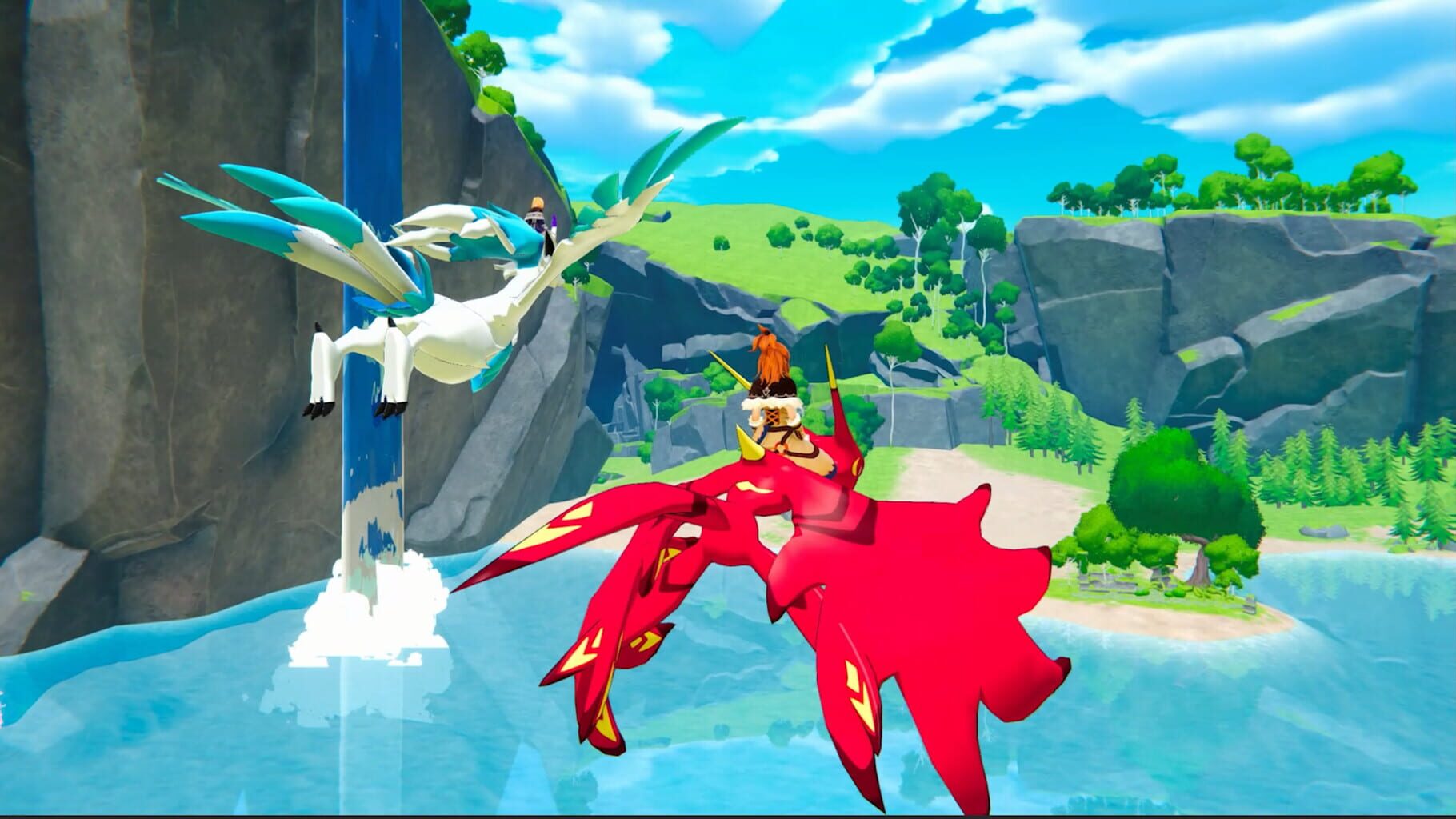
Palworld is an open-world survival and crafting game with online co-op. You catch creatures called Pals and put them to work fighting, building, farming and running production lines while you explore a large map. It launched in Steam Early Access in January 2024.
Your PC
Reading GPU information from your browser...
Palworld recommended specs
The figures below are the recommended specs published by the developer, as listed by our source. The developer also lists an SSD as required. Large bases and multiplayer sessions tend to be heavier than exploring alone.
| CPU | i9-9900K 3.6 GHz 8 Core |
|---|---|
| GPU | GeForce RTX 2070 |
| Memory | 32GB |
Source: PASOUL "Find a PC by game" (Japanese) – lists the publisher’s recommended specs / Data updated: Sep 1, 2026
GPU performance targets (estimate)
We convert the recommended GPU into a 3DMark Time Spy Graphics score (9,160) and scale it for resolution and frame rate. These are estimates, not measured frame rates.
| Target | Target score | Smooth line (120%) | Current GPU that meets it |
|---|---|---|---|
| 1080p / 60 FPS | 9,160 | 10,992 | GeForce RTX 5060 |
| 1440p / 60 FPS | 13,740 | 16,488 | GeForce RTX 5070 |
| 1080p / 144 FPS | 18,320 | 21,984 | GeForce RTX 5070 |
| 4K / 60 FPS | 20,152 | 24,182 | Radeon RX 9070 |
GPU scores: PC Jiyucho GPU comparison table (Japanese) (3DMark Time Spy Graphics) / Data updated: Sep 1, 2026
How the check works
- We read the GPU name that your browser reports through WebGL. If it isn’t available (some browsers hide it, or hardware acceleration is off), you can type your GPU name instead.
- We look up that GPU in a 3DMark Time Spy Graphics score table.
- We convert the recommended GPU into a score from the same table and scale it for resolution (1440p ×1.5, 4K ×2.2) and frame rate (144 ×2.0, 165 ×2.3, 240 ×3.0, 360 ×4.0). The default target is 1080p / 60 FPS.
- If your GPU reaches 120% of the target score or more, we show “Smooth”; 80%–120% is “Playable”; below 80% is “Below target”. If we can’t identify your GPU we say so instead of calling it too slow.
- Everything is calculated in your browser. Our analytics (Google Analytics 4) receives only the result category and a score range, never your GPU name.
Things to keep in mind
- Results are estimates from benchmark scores and don’t guarantee a frame rate.
- Only the GPU is checked. Compare your CPU, memory (recommended: 32GB) and storage with the table above.
- Laptop GPUs can be slower than desktop cards with the same name.
- Updates, mods, graphics settings and player counts can all change how much performance you need.