
MinecraftSystem requirements & PC check
Cover art
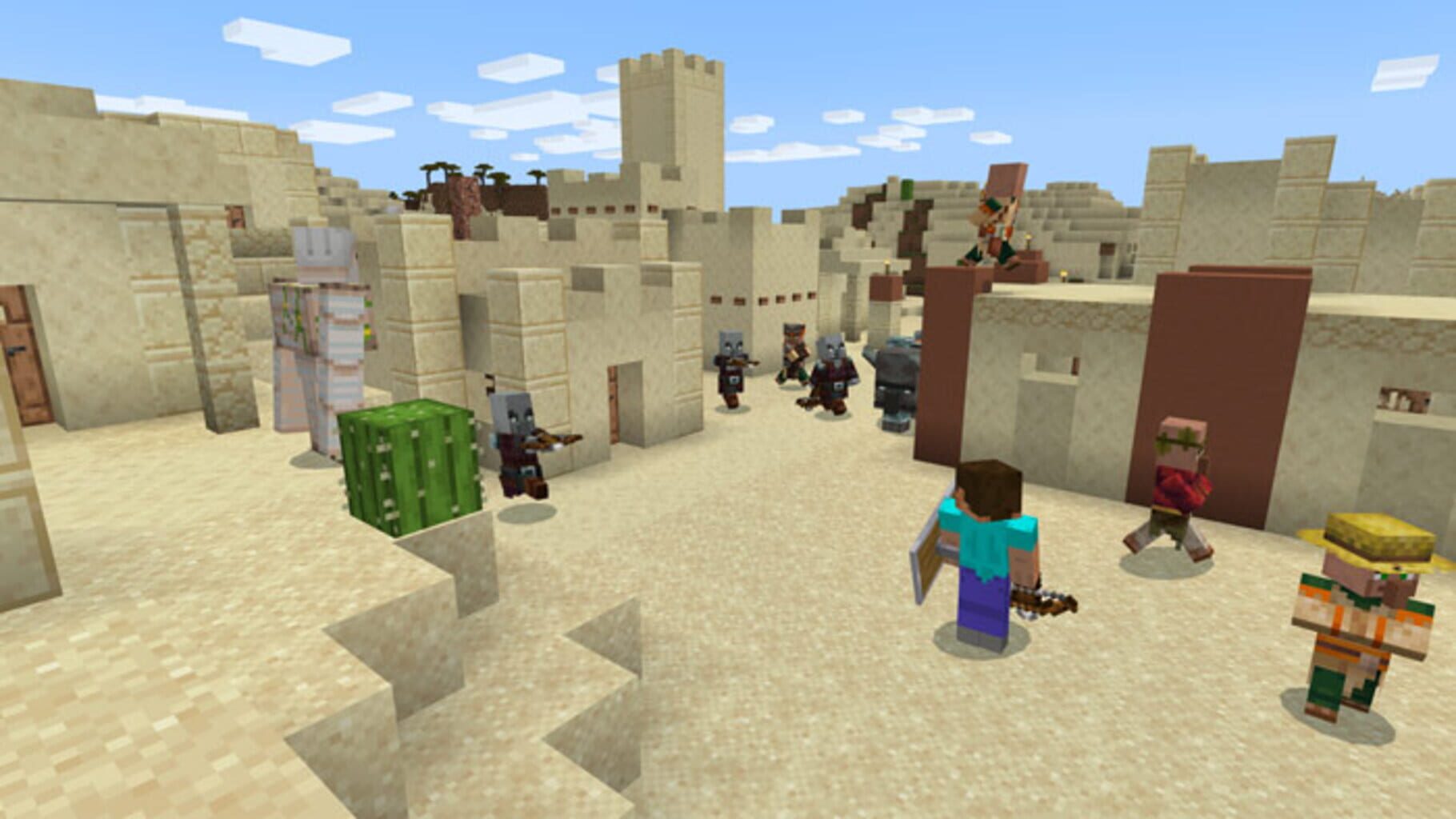
Minecraft is a sandbox game about exploring, gathering resources, crafting and building in a world made of blocks. You can play alone or on multiplayer servers, and the Java Edition has a large community of mods and shader packs.
Your PC
Reading GPU information from your browser...
Minecraft recommended specs
The figures below match the recommended specs for Minecraft: Java Edition. Vanilla Minecraft is light, but shader packs, large modpacks and long render distances can need a much faster GPU and more memory than listed here.
| CPU | Corei5-4690 / AMD A10-7800 |
|---|---|
| GPU | GeForce 700 |
| Memory | 8GB |
Source: PASOUL "Find a PC by game" (Japanese) – lists the publisher’s recommended specs / Data updated: Sep 1, 2026
Note: The source lists only "GeForce 700" (a product series, not a model), so we treat it as a GeForce GTX 750 Ti, the entry-level gaming card in that series. This is our own assumption.
GPU performance targets (estimate)
We convert the recommended GPU into a 3DMark Time Spy Graphics score (1,279) and scale it for resolution and frame rate. These are estimates, not measured frame rates.
| Target | Target score | Smooth line (120%) | Current GPU that meets it |
|---|---|---|---|
| 1080p / 60 FPS | 1,279 | 1,535 | GeForce RTX 3050 |
| 1440p / 60 FPS | 1,919 | 2,303 | GeForce RTX 3050 |
| 1080p / 144 FPS | 2,558 | 3,070 | GeForce RTX 3050 |
| 4K / 60 FPS | 2,814 | 3,377 | GeForce RTX 3050 |
GPU scores: PC Jiyucho GPU comparison table (Japanese) (3DMark Time Spy Graphics) / Data updated: Sep 1, 2026
How the check works
- We read the GPU name that your browser reports through WebGL. If it isn’t available (some browsers hide it, or hardware acceleration is off), you can type your GPU name instead.
- We look up that GPU in a 3DMark Time Spy Graphics score table.
- We convert the recommended GPU into a score from the same table and scale it for resolution (1440p ×1.5, 4K ×2.2) and frame rate (144 ×2.0, 165 ×2.3, 240 ×3.0, 360 ×4.0). The default target is 1080p / 60 FPS.
- If your GPU reaches 120% of the target score or more, we show “Smooth”; 80%–120% is “Playable”; below 80% is “Below target”. If we can’t identify your GPU we say so instead of calling it too slow.
- Everything is calculated in your browser. Our analytics (Google Analytics 4) receives only the result category and a score range, never your GPU name.
Things to keep in mind
- Results are estimates from benchmark scores and don’t guarantee a frame rate.
- Only the GPU is checked. Compare your CPU, memory (recommended: 8GB) and storage with the table above.
- Laptop GPUs can be slower than desktop cards with the same name.
- Updates, mods, graphics settings and player counts can all change how much performance you need.